Appearance
Generator Nodes
Generator nodes create point sets from scratch. They have no required input ports and output a Point data stream that downstream nodes can filter, transform, and scatter objects from.
All generator nodes are found in the Generators category of the node picker.
Create Points
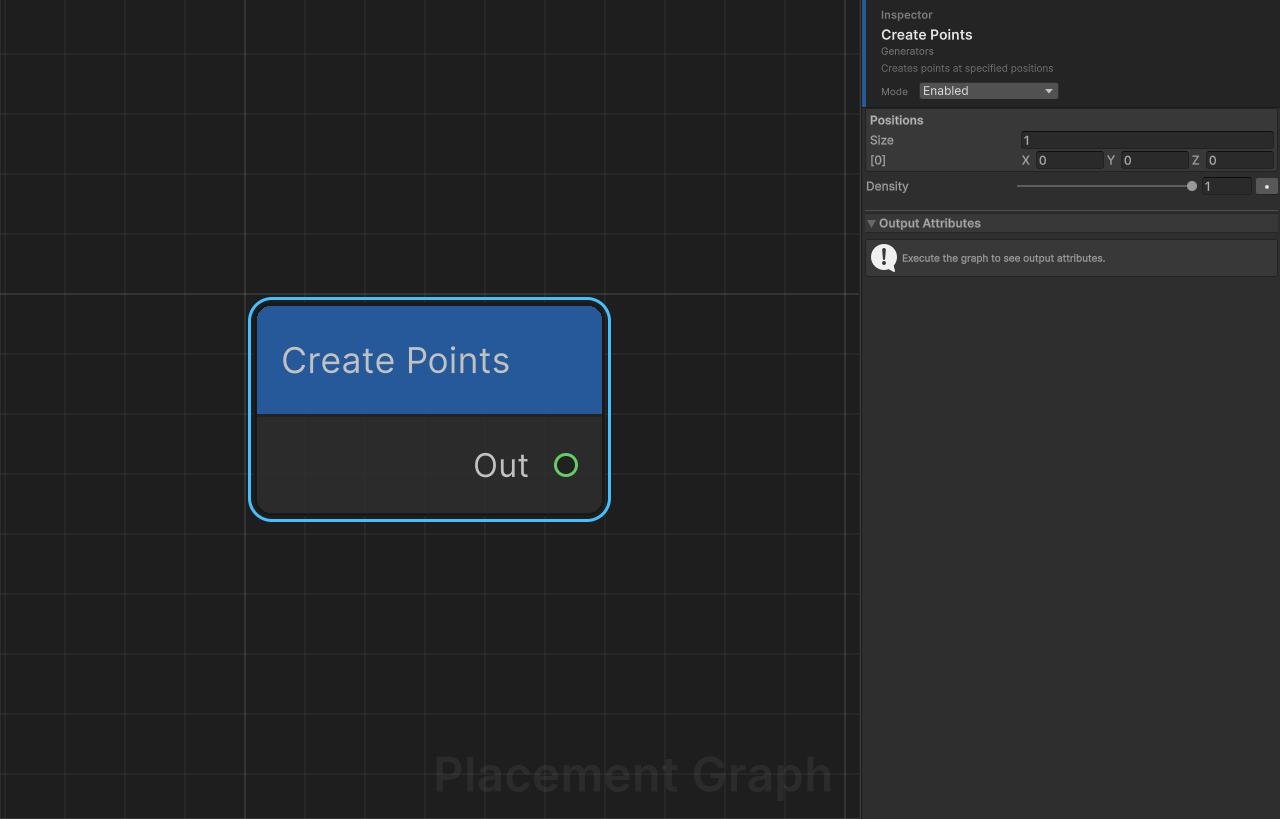
Display name: Create Points
Category: Generators
Description: Creates points at manually specified positions.
Ports
| Direction | Name | Type | Required |
|---|---|---|---|
| Output | Out | Point | — |
Settings
| Field | Type | Default | Description |
|---|---|---|---|
positions | Vector3[] | [Vector3.zero] | World-space positions for each point to create. |
density | float | 1.0 | Density value assigned to every created point. Range 0–1. |
Notes
- Each entry in
positionsgenerates exactly one point. - Points are created in the order of the array; the internal seed increments per point so downstream randomised nodes produce stable, deterministic results.
- Use this node for handcrafted or sparse, precisely-located placements.
Create Points Grid
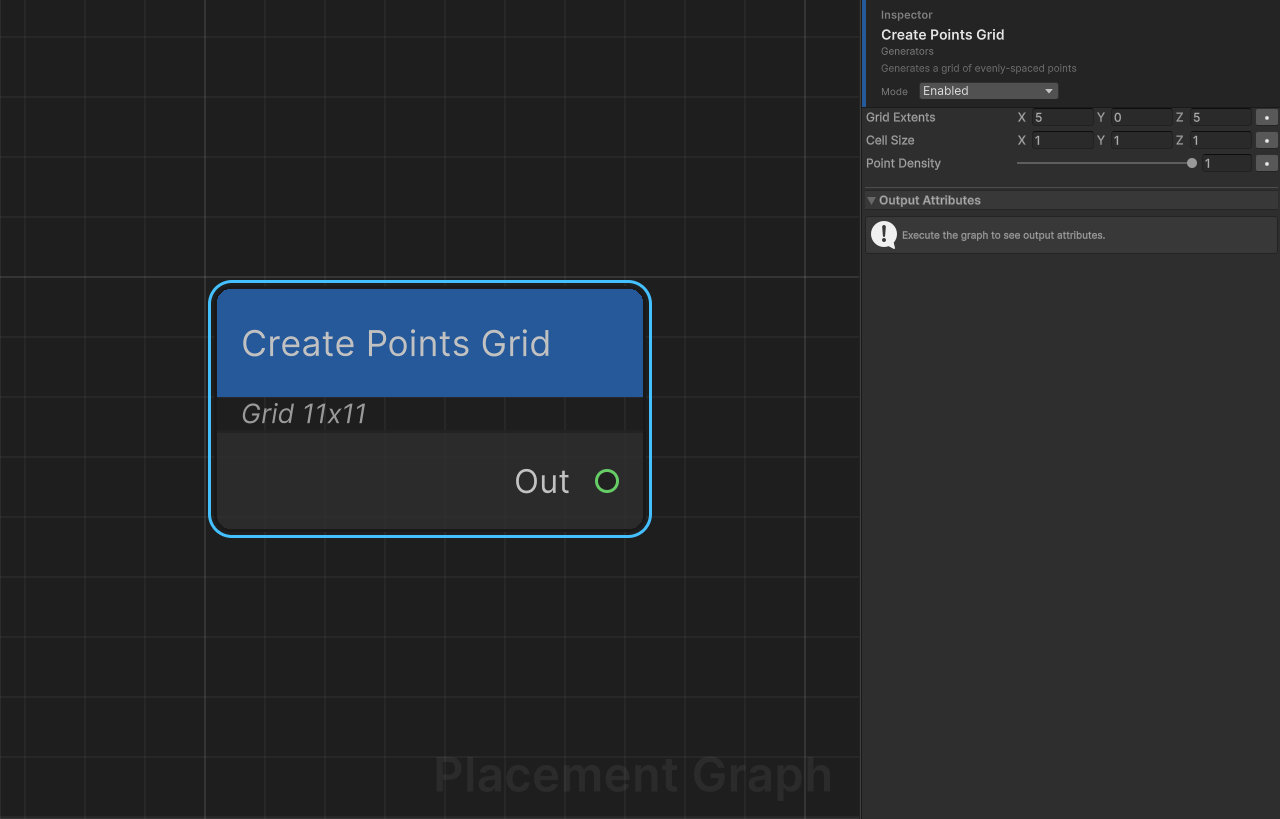
Display name: Create Points Grid
Category: Generators
Description: Generates a regular grid of evenly-spaced points centred on the origin.
Ports
| Direction | Name | Type | Required |
|---|---|---|---|
| Output | Out | Point | — |
Settings
| Field | Type | Default | Description |
|---|---|---|---|
gridExtents | Vector3 | (5, 0, 5) | Half-extents of the grid in each axis. When y is 0, only an XZ plane grid is generated. |
cellSize | Vector3 | (1, 1, 1) | Spacing between adjacent points along each axis. Minimum enforced per axis: 0.01. |
pointDensity | float | 1.0 | Density value assigned to every generated point. Range 0–1. |
Notes
- When
gridExtents.y < 0.001, the node generates a flat 2D XZ grid (Y is fixed at 0). SetgridExtents.y > 0to fill a 3D volume. - Point count =
(2 * extents / cellSize + 1)³per axis, so be cautious with small cell sizes over large extents. - The node does not use a random seed; the output is fully deterministic.
Random Points
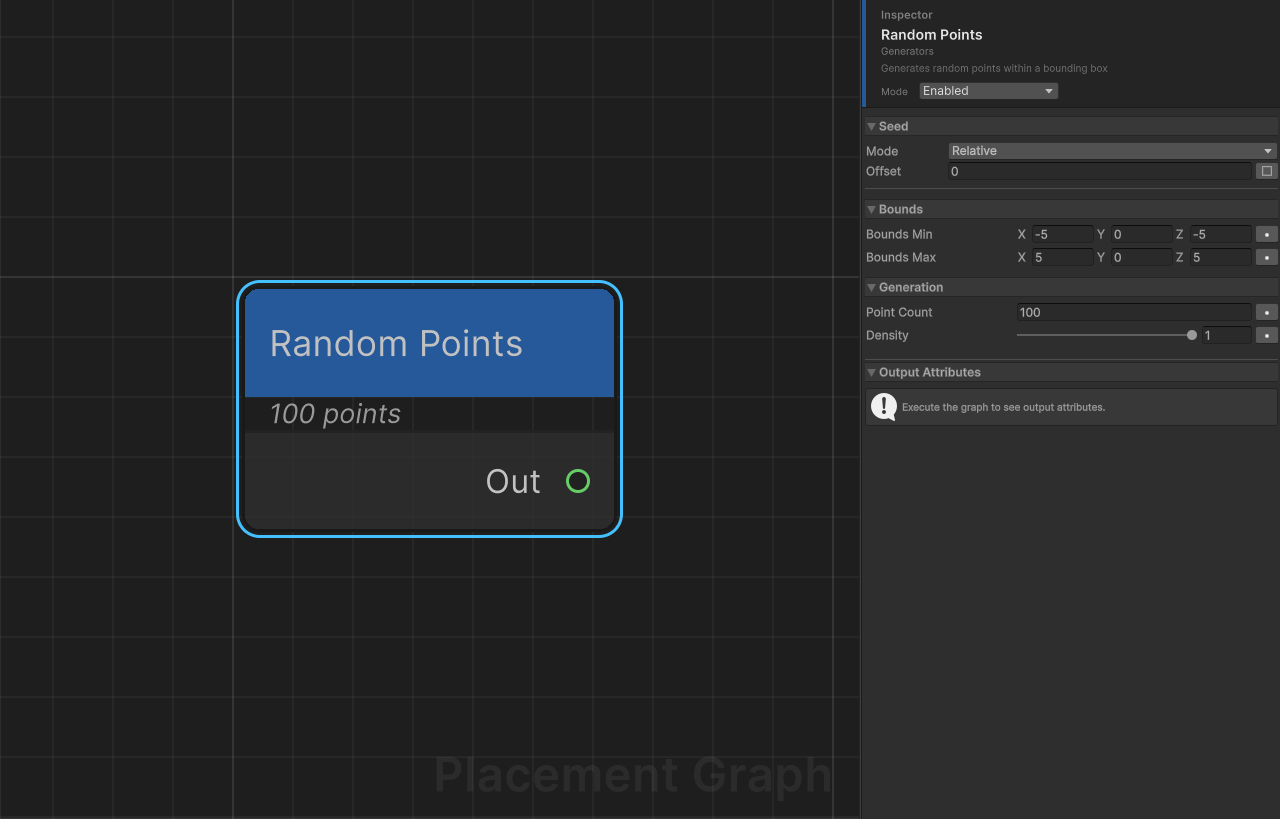
Display name: Random Points
Category: Generators
Description: Generates a given number of randomly-placed points inside an axis-aligned bounding box.
Ports
| Direction | Name | Type | Required |
|---|---|---|---|
| Output | Out | Point | — |
Settings
| Field | Type | Default | Description |
|---|---|---|---|
boundsMin | Vector3 | (-5, 0, -5) | Minimum corner of the generation volume. |
boundsMax | Vector3 | (5, 0, 5) | Maximum corner of the generation volume. |
pointCount | int | 100 | Number of points to generate. |
density | float | 1.0 | Density value assigned to every generated point. Range 0–1. |
Notes
- This node uses the graph Seed value for reproducibility. Changing the seed produces a completely different distribution. Per-node seed offset can be configured in the inspector to vary this node independently.
- Points are distributed with uniform probability across the entire AABB volume.
- Set
boundsMin.y == boundsMax.yto generate a flat 2D distribution on a single Y plane.
Poisson Disk Sampling
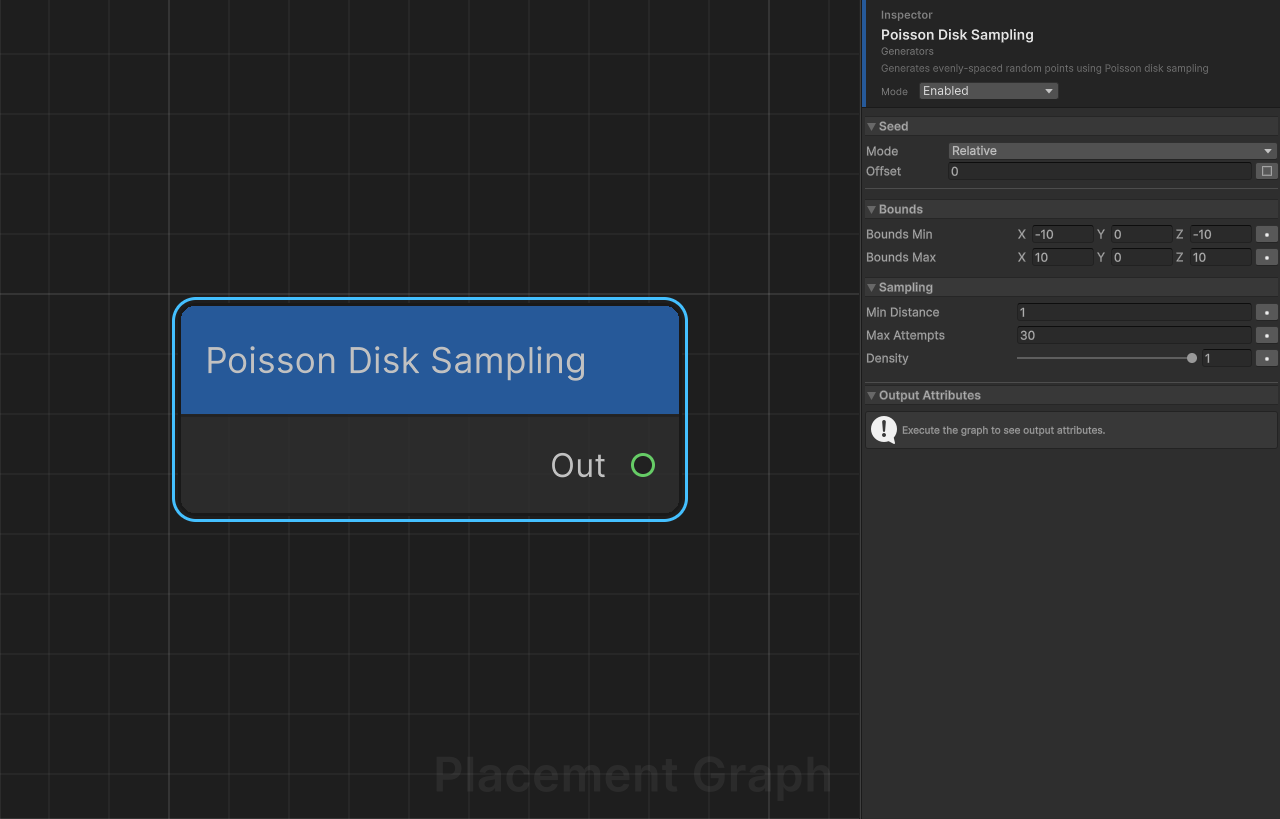
Display name: Poisson Disk Sampling
Category: Generators
Description: Generates evenly-spaced random points using Poisson disk sampling (Bridson's algorithm). No two output points are closer than minDistance.
Ports
| Direction | Name | Type | Required |
|---|---|---|---|
| Output | Out | Point | — |
Settings
| Field | Type | Default | Description |
|---|---|---|---|
boundsMin | Vector3 | (-10, 0, -10) | Minimum corner of the generation volume. |
boundsMax | Vector3 | (10, 0, 10) | Maximum corner of the generation volume. |
minDistance | float | 1.0 | Minimum distance enforced between any two output points. Minimum value: 0.01. |
maxAttempts | int | 30 | Candidate attempts per active point before that point is retired. Higher values are denser but slower. |
density | float | 1.0 | Density value assigned to every generated point. Range 0–1. |
Notes
- Sampling operates on the XZ plane. The Y coordinate of all points is set to
boundsMin.y. - The algorithm is implemented as a Burst-compiled job (
PPGPoissonDiskJob) for performance. - This node uses the graph Seed for reproducibility. Per-node seed offset can be configured in the inspector.
- Compared to Random Points, Poisson disk output looks more natural and avoids clustering — ideal for foliage and rocks.
- Point count is not fixed; it depends on
minDistanceandmaxAttempts. DecreaseminDistancefor denser output.