Appearance
IO Nodes
IO nodes handle data entering and leaving a graph, wire management, asset persistence, and variable-based communication between parts of the graph.
Graph Input
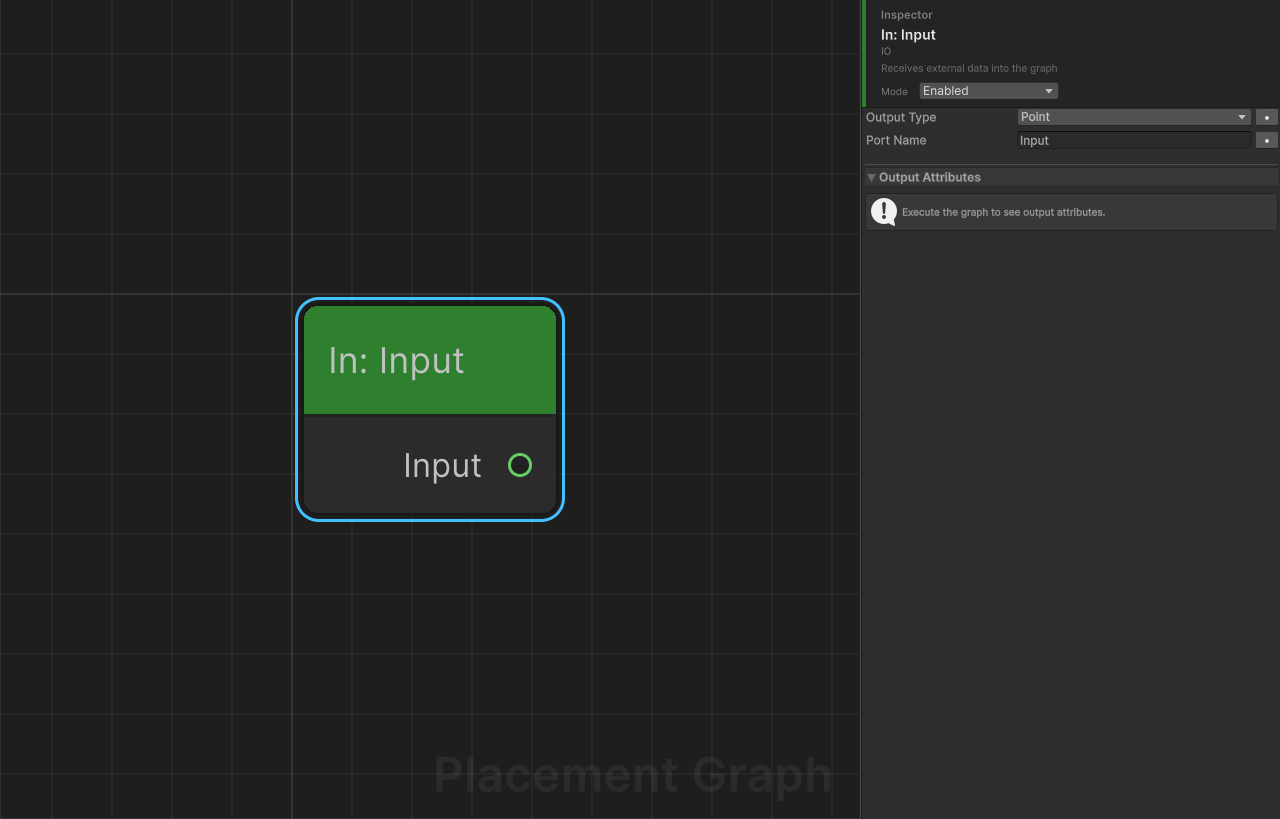
Category: IO
Description: Receives external data into the graph. Used in sub-graphs to define named input ports on the parent Sub Graph node.
Ports
| Direction | Name | Type |
|---|---|---|
| Output | (portName) | Configurable (see Settings) |
Settings
| Field | Type | Default | Description |
|---|---|---|---|
outputType | PPGDataType | Point | The expected data type coming in from outside. Controls port color and type-checking. |
portName | string | "Input" | Name of this input, shown on the parent Sub Graph node as an input port. Must be unique among GraphInput nodes in the same graph. |
Naming
- Default name is
"Input". Adding a second GraphInput auto-names it"Input_1","Input_2", etc. - Renaming in the Inspector also checks for duplicates and auto-appends a suffix if needed.
- The node title displays as "In: {portName}".
Notes
- This node is a pass-through: it forwards whatever external data is injected into the graph without modification.
- When a graph is executed as a Sub Graph, each GraphInput receives data from the matching named input port on the parent Sub Graph node.
- A graph can have multiple GraphInput nodes for multi-input sub-graphs.
Graph Output
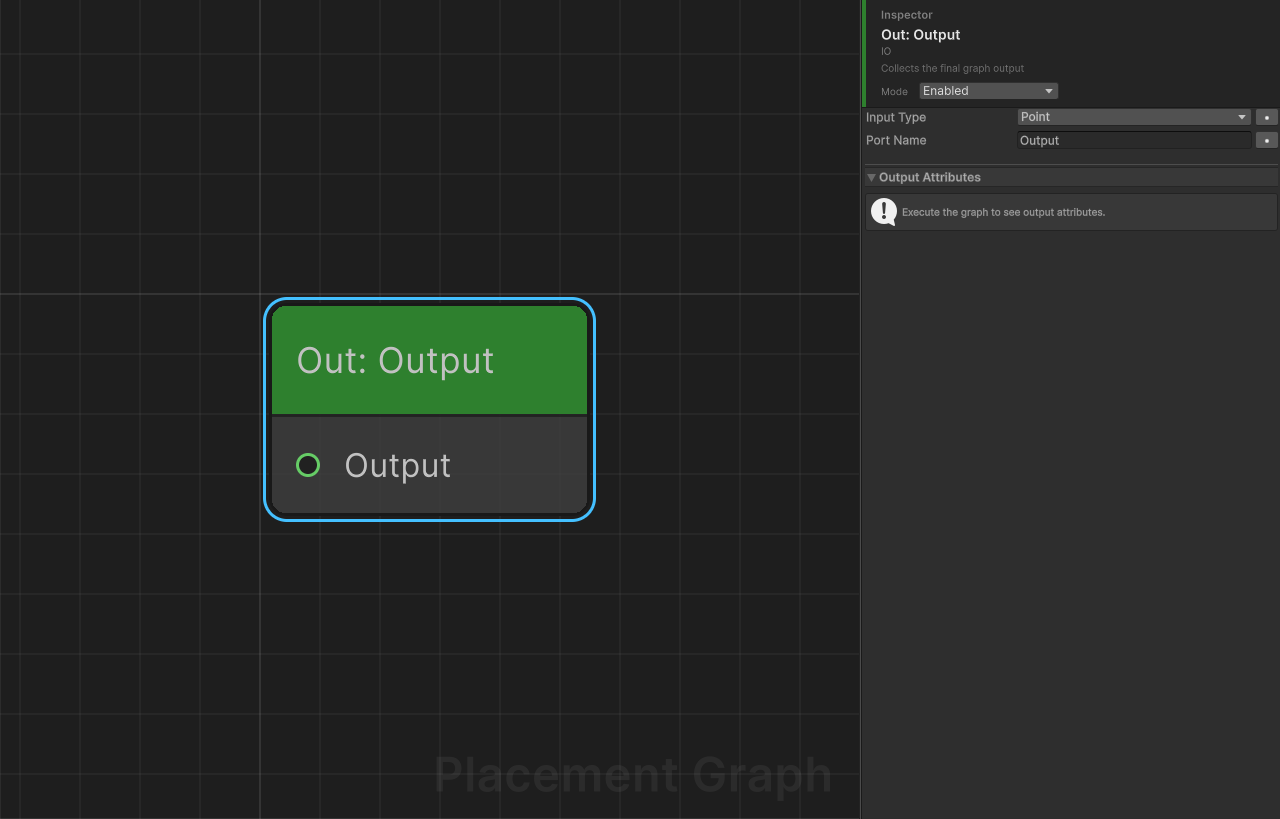
Category: IO
Description: Collects results from the graph. Used in sub-graphs to define named output ports on the parent Sub Graph node.
Ports
| Direction | Name | Type |
|---|---|---|
| Input | (portName) | Configurable (see Settings) |
Settings
| Field | Type | Default | Description |
|---|---|---|---|
inputType | PPGDataType | Point | The expected data type being collected. Auto-set when an edge is connected. |
portName | string | "Output" | Name of this output, shown on the parent Sub Graph node as an output port. Must be unique among GraphOutput nodes in the same graph. |
Naming
- Default name is
"Output". Adding a second GraphOutput auto-names it"Output_1", etc. - The node title displays as "Out: {portName}".
Type Auto-Detection
When you connect an edge to a GraphOutput node, the inputType is automatically set to match the source port's data type. No manual type configuration needed.
Notes
- This node is a pass-through: it forwards whatever data arrives at its input as part of the graph's output.
- A graph can have multiple GraphOutput nodes for multi-output sub-graphs.
- Each GraphOutput's data is routed to the matching named output port on the parent Sub Graph node.
Load Data Asset
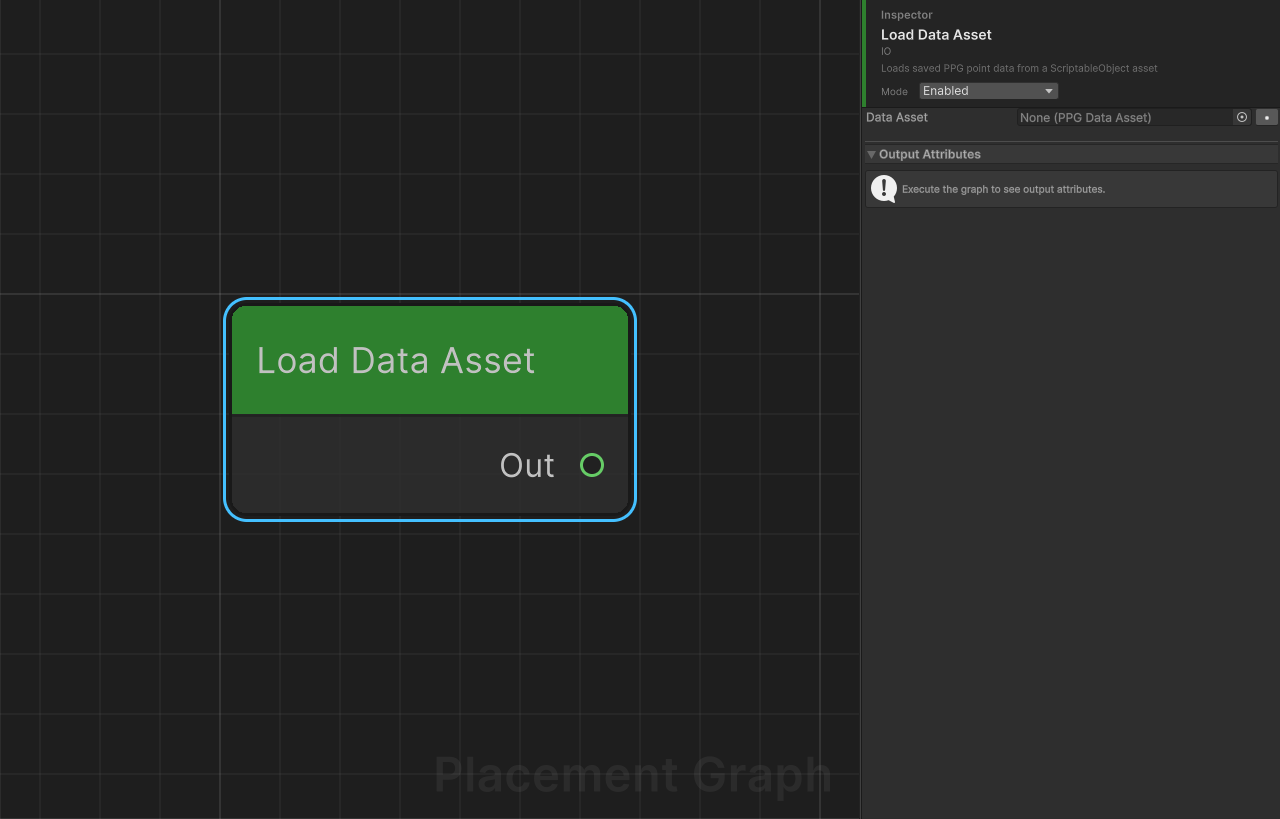
Category: IO
Description: Loads saved PPG point data from a PPGDataAsset ScriptableObject. Each named slot in the asset becomes a separate output port.
Ports
Output ports are dynamic and depend on the assigned dataAsset:
| Condition | Ports |
|---|---|
| No asset assigned, or asset has no slots | Single port named Out (Point) |
| Asset has slots | One Point output port per slot, named after the slot |
Settings
| Field | Type | Default | Description |
|---|---|---|---|
dataAsset | PPGDataAsset | null | Reference to the ScriptableObject containing saved point data. |
Notes
- Slots with zero points are silently skipped (nothing is output for that port).
- If no asset is assigned the node logs a warning and produces no output; execution continues.
- The output port layout refreshes in the editor whenever the asset reference changes.
- Intended to be paired with Save Data Asset — bake a costly graph once, then load the result cheaply in subsequent graphs.
Save Data Asset
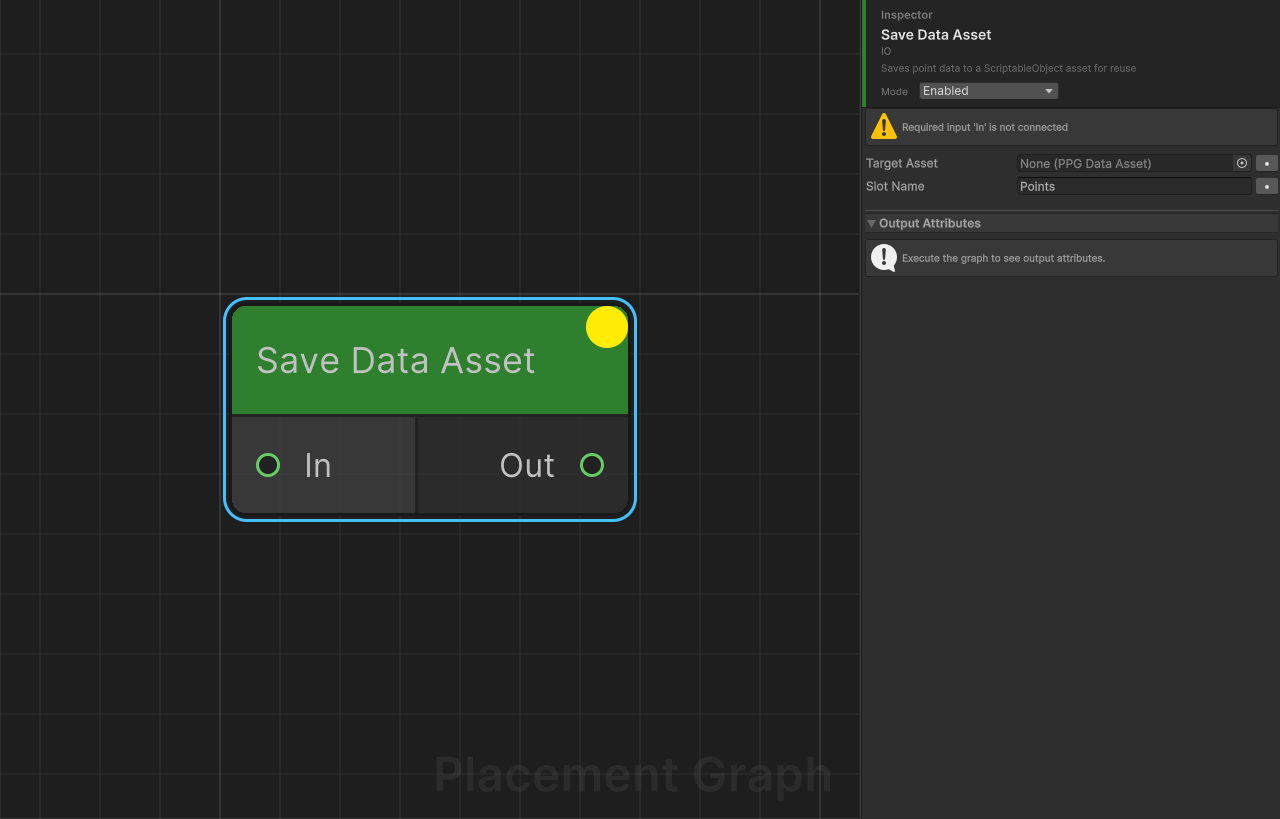
Category: IO
Description: Saves incoming point data to a named slot in a PPGDataAsset ScriptableObject. The node passes data through unchanged so it can sit inline in a graph.
Ports
| Direction | Name | Type | Notes |
|---|---|---|---|
| Input | In | Point | Required — execution skips silently if no input is connected. |
| Output | Out | Point | Pass-through of the input data. |
Settings
| Field | Type | Default | Description |
|---|---|---|---|
targetAsset | PPGDataAsset | null | The ScriptableObject to write into. The named slot is overwritten on every execution. |
slotName | string | "Points" | Name of the slot inside the asset to write to. |
Notes
- If
targetAssetis not assigned the node logs a warning and passes data through without saving. - In the Editor,
EditorUtility.SetDirtyis called on the asset after saving so changes are visible immediately in the Project window and are included in the next asset serialization. - In builds, the write still occurs in memory but there is no asset-serialization step. Use this node primarily for editor-time baking workflows.
- Multiple inputs are merged into a single
PPGPointDatabefore saving; the individual inputs are then passed through separately on Out.
Reroute
Category: IO
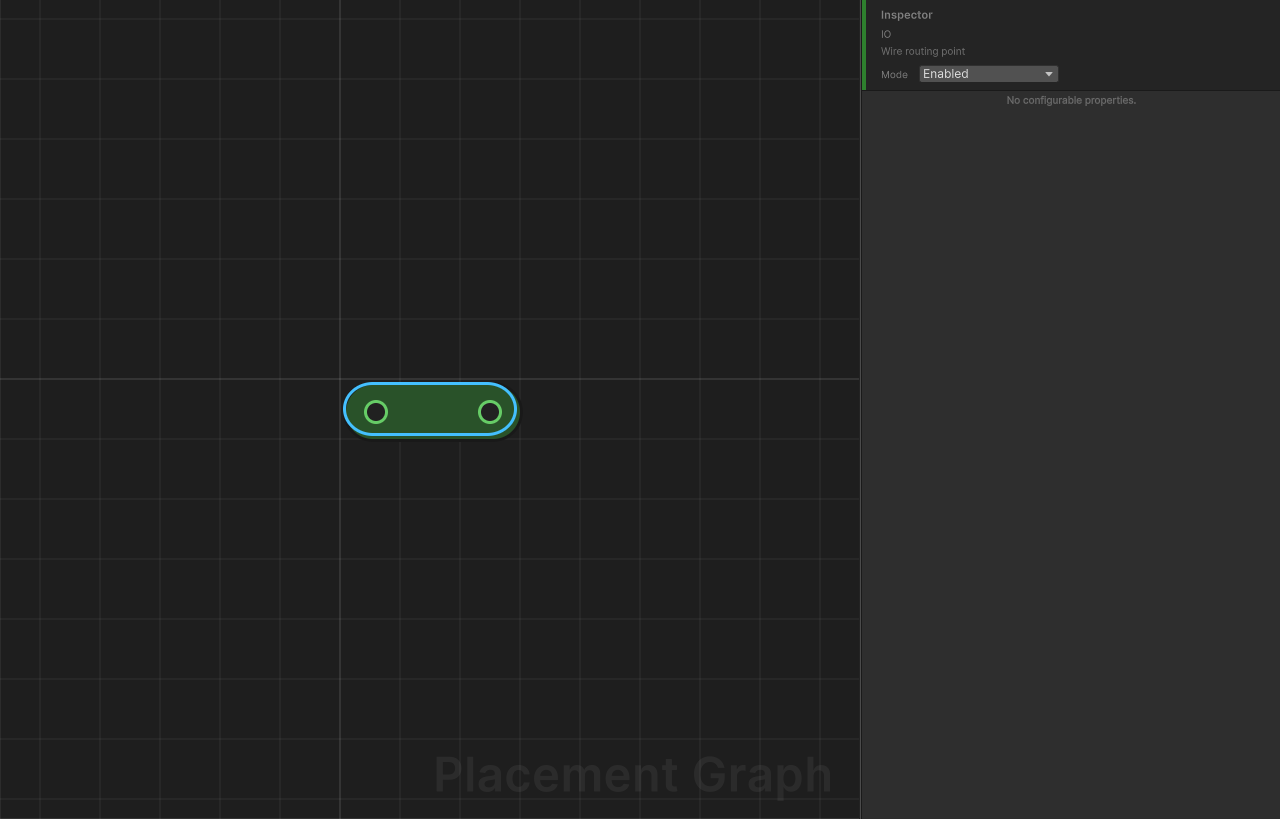
Description: A minimal pass-through node used purely for wire organisation in the graph editor. Forwards all input data to its output unchanged.
Ports
| Direction | Name | Type |
|---|---|---|
| Input | In | Any |
| Output | Out | Any |
Settings
None. The node has no configurable fields.
Notes
- The node title is intentionally blank so it appears as a small dot on the canvas.
- Its only purpose is to improve readability of long or crossing wires — it has no effect on data.
- Tags on each
PPGTaggedDataitem are preserved when forwarding.
Set Variable
Category: IO
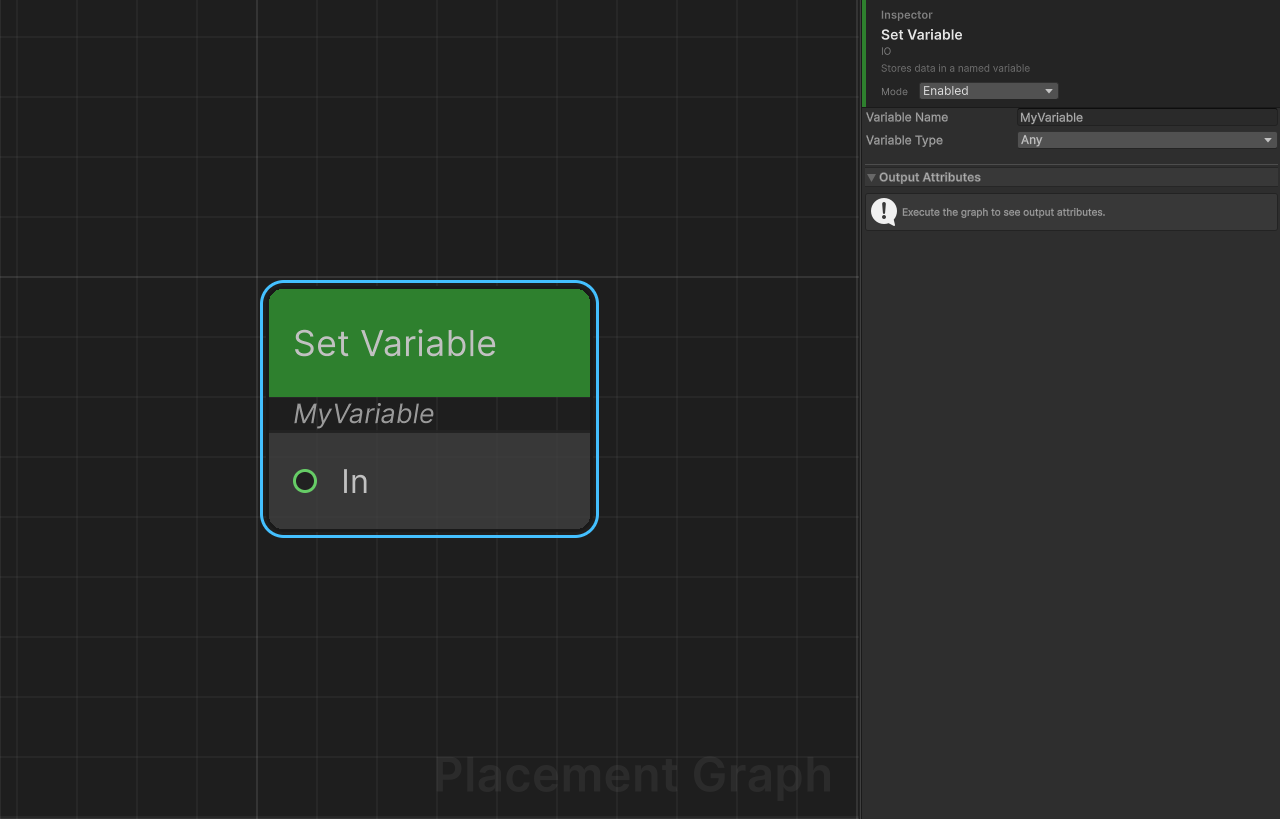
Description: Stores all incoming data in a named graph variable for later retrieval by Get Variable nodes. This is a terminal node — it has no output port.
Ports
| Direction | Name | Type |
|---|---|---|
| Input | In | Any |
Settings
| Field | Type | Default | Description |
|---|---|---|---|
variableName | string | "MyVariable" | Key under which the data is stored in the graph's variable table. Case-sensitive. |
variableType | PPGDataType | Any | Optional type filter. If set to a specific type, a warning is logged when the incoming data type does not match. Data is still stored regardless. |
Notes
- Variables live in
PPGContext.Variables, a dictionary scoped to a single graph execution. They are not persisted between runs. - Execution order matters: a Set Variable node must execute before any Get Variable node that reads the same name. Use the graph's topological order or explicit connection paths to guarantee ordering.
SupportsParameterExposeisfalse— the variable name and type cannot be promoted to graph parameters.- Storing
Anytype and settingvariableTypeto a specific type is valid; the type check is advisory only.
Get Variable
Category: IO
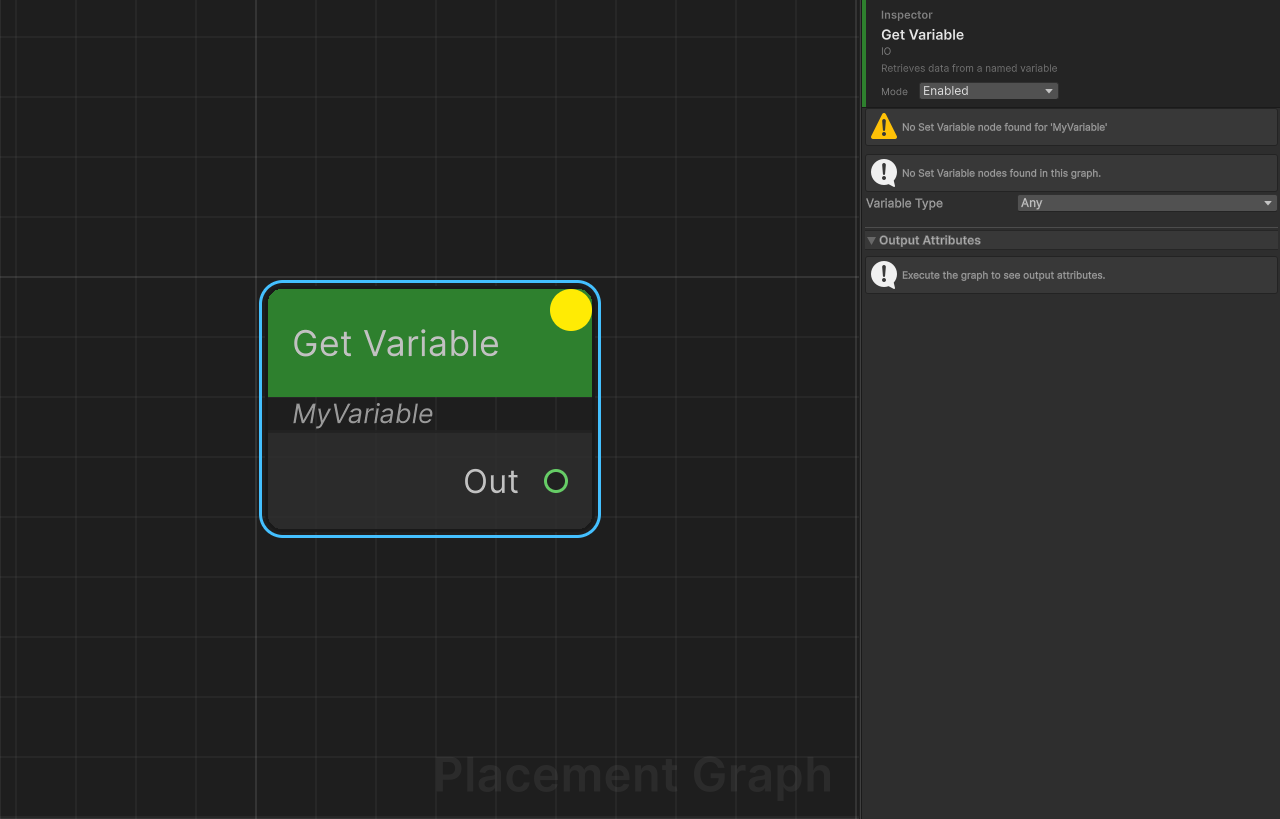
Description: Retrieves data from a named variable previously stored by a Set Variable node. This node has no input ports — data comes from the variable store, not from wire connections.
Ports
| Direction | Name | Type |
|---|---|---|
| Output | Out | Any |
Settings
| Field | Type | Default | Description |
|---|---|---|---|
variableName | string | "MyVariable" | Key to look up in the graph's variable table. Must match the name used in the corresponding Set Variable node exactly (case-sensitive). |
variableType | PPGDataType | Any | Informational type hint shown in the editor. Not enforced at runtime. |
Notes
- If the variable has not been set (no matching Set Variable has executed yet), a warning is logged and the node outputs nothing. Execution continues.
- Tags on each stored
PPGTaggedDataitem are preserved when forwarding to Out. SupportsParameterExposeisfalse.- Variables are scoped to the current graph execution and are not shared between a parent graph and a sub-graph.
Get Binding
Category: IO
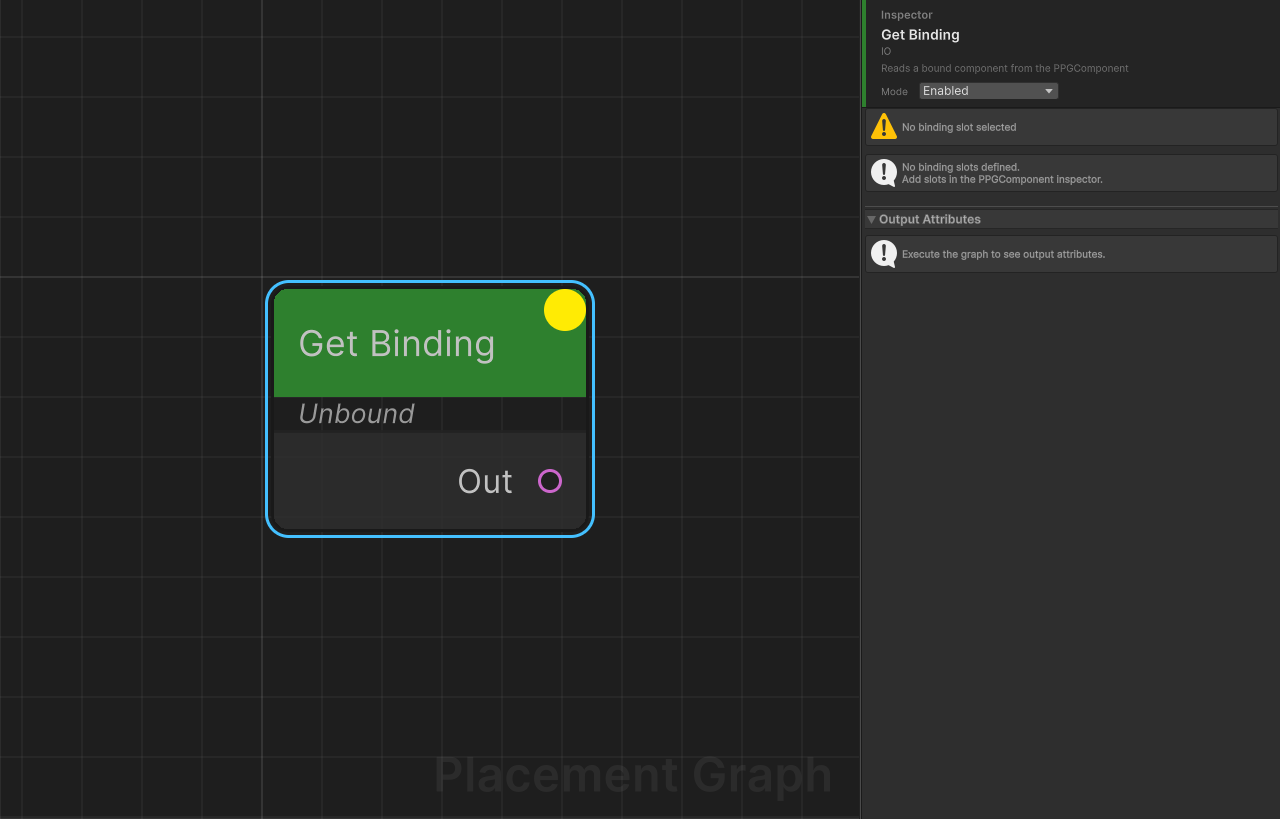
Description: Reads a scene-object binding declared on the PPGComponent and outputs the appropriate data type. Analogous to Timeline track bindings — the graph declares a slot, and the component assigns the actual object.
Ports
Output type is determined by the binding type configured in the editor:
| Binding Type | Output Port Type |
|---|---|
SplineContainer | Spline |
MeshFilter | Surface |
Terrain | Terrain |
Transform / GameObject | Point |
Settings (Inspector)
All fields are managed by the graph editor and are hidden in the normal Inspector. They are documented here for reference.
| Field | Type | Description |
|---|---|---|
bindingSlotGuid | string (HideInInspector) | GUID that uniquely identifies the binding slot in the graph asset. Set automatically by the editor. |
bindingSlotName | string (HideInInspector) | Display name for the slot, used in the node title and PPGComponent Inspector. Set automatically by the editor. |
bindingType | PPGBindingType (HideInInspector) | Determines how the bound object is interpreted (see table above). Set automatically by the editor. |
The node title in the graph canvas displays as Get: <bindingSlotName> once a name is assigned.
Binding Type Details
SplineContainer
Reads all splines from the bound SplineContainer and converts each to world space. Each spline becomes a separate PPGSplineData output.
MeshFilter
Collects all Collider components on the bound GameObject and its children into a PPGSurfaceData. Requires at least one MeshCollider on the target for surface-sampling nodes to work. Logs a warning if no colliders are found.
Terrain
Wraps the bound Terrain component in a PPGTerrainData. The TerrainCollider is also added to the surface's collider list for compatibility with surface-sampling nodes.
Transform / GameObject
Creates a single PPGPointData containing one point positioned at the bound object's world position.
Notes
- If no object is bound to the slot at runtime, a warning is logged and the node produces no output. Execution continues.
- Binding slots are created and named in the graph editor's binding panel, not directly on this node's settings.
- Multiple Get Binding nodes can reference the same slot — they all receive the same bound object.